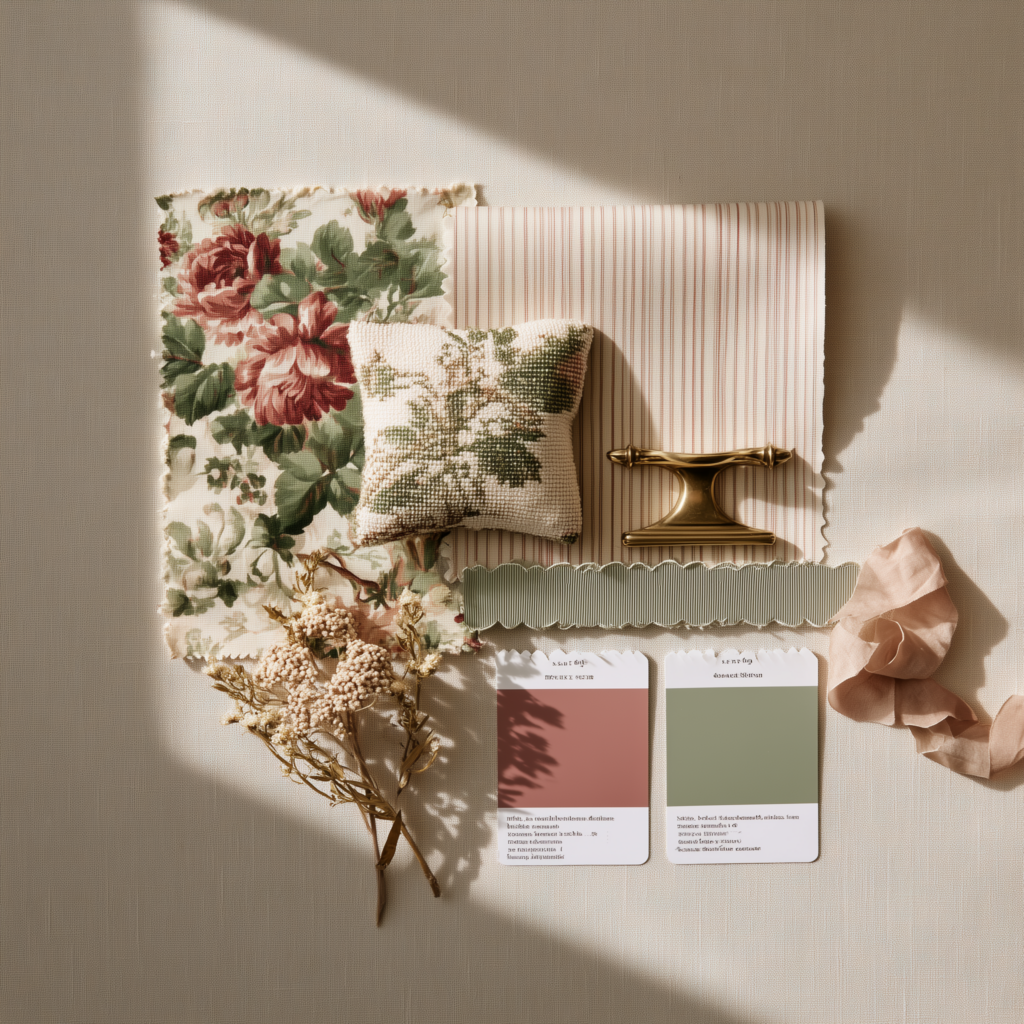
Last Updated on March 25, 2026 by Rosslyn Tebbutt
A simple guide to revolutionizing your design process.

If you are wondering how to up your interior design moodboarding process and save time while not compromising on the quality, you have come to the right place.
Today, we are going to show you how you can achieve just that by simply opting for the right interior design mood board creator.
Coming up with the design concept and sourcing the right elements to translate your vision into an image can take time, but putting it all together in a professional-looking mood board absolutely doesn’t have to!
With SampleBoard, you can create dedicated folders inside your private library to store the inspiration, furniture, and decor pieces for easy access.
When the time comes for you to come up with an interior design mood board for a client presentation, simply open the tool and start dragging and dropping until you’re done.
Resize, crop, flipand remove a background from the furniture with a click, create a color palette area using shapes from the Basic Edit, and then fill them in with the particular colors you have in mind for the project.
You can also choose to add text and your logo to brand your mood boards.
To show you how simple mood board creation can be with SampleBoard, we’ve created this quick video. Take a look!
If you are ready to revolutionize your design process, cut all distractions and focus only on your creativity, jump to this link and start creating mood boards online for free.
There is no steep learning curve, so you will be pumping out gorgeous designs in no time! And if you are already enjoying our software, don’t forget to check the support page to learn even more tricks on how to make the most of the tool.
Liked this video? Follow us on Instagram for more inspirational content and moodboarding tips.