Last Updated on August 11, 2026 by Rosslyn Tebbutt
3D rendering has completely transformed how architects and designers present their work.
What used to require imagination from clients – interpreting blueprints or basic models-can now be shown as photorealistic renders before ground is even broken.
But here’s the reality check: creating truly convincing renders isn’t as simple as clicking “render.” It demands both technical skill and an artist’s eye for detail.
- 1. Poor Lighting and Shadows
- 2. Low-Quality Textures and Materials
- 3. Lack of Detail in the Environment
- 4. Incorrect Camera Angles and Composition
- 5. Overuse of Post-Production Effects
- 6. Ignoring Scale and Proportions
- 7. Unrealistic Weather and Atmosphere Effects
- 8. Rushing the Rendering Process
- Conclusion
And here’s something they don’t always tell you-even experienced professionals regularly make mistakes that can turn a promising visualization into something that looks amateurish.
Here are the 8 most common rendering mistakes that ruin even the best 3D models. The good part? They’re all fixable.
Whether you’re a beginner or a pro, avoiding these will make your renders not just look great-but actually help close deals.

1. Poor Lighting and Shadows
Lighting makes or breaks a 3D rendering. Mess it up, and your best model will look fake.
Most artists struggle with balancing lights – you’ll spot bad shadows, blown-out spots, or just a murky mess in their work.
Common Lighting Mistakes:
- Too much artificial light – Flooding your scene with artificial lights kills the natural feel. Interiors end up looking like a hospital instead of a livable space.
- Wrong light direction – Sunlight and ambient light need to follow the same rules as in real life. When they don’t, your scene immediately feels “off.”
- Bad exposure – Whether it’s blown-out highlights or murky shadows, poor exposure hides all the detail you worked so hard to create.
Solution: Study how light works in actual buildings.
Use HDRI maps for natural lighting, and remember, artificial lights should complement natural light, not fight with it.
Pay attention to color temperatures (warmer for interiors, cooler for daylight) and don’t be afraid to let some areas fall into shadow. That contrast is what creates realism.
2. Low-Quality Textures and Materials
Nothing ruins a 3D render faster than bad textures. Even with perfect modeling, poor materials make everything look fake.
Here’s where most artists go wrong – and how to fix it for professional results.
Common Texture Mistakes:
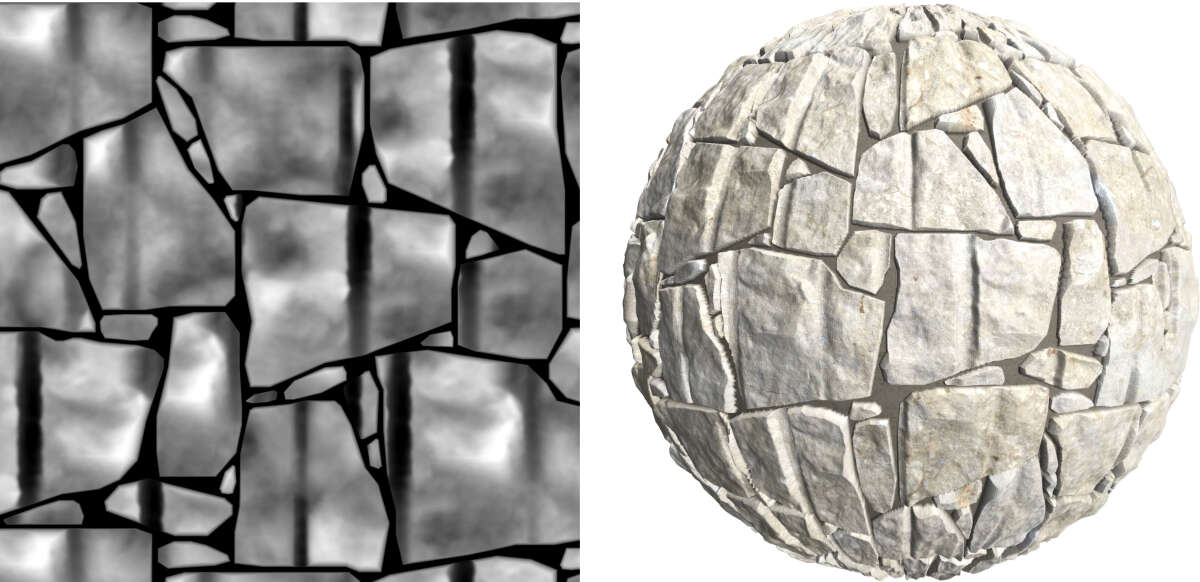
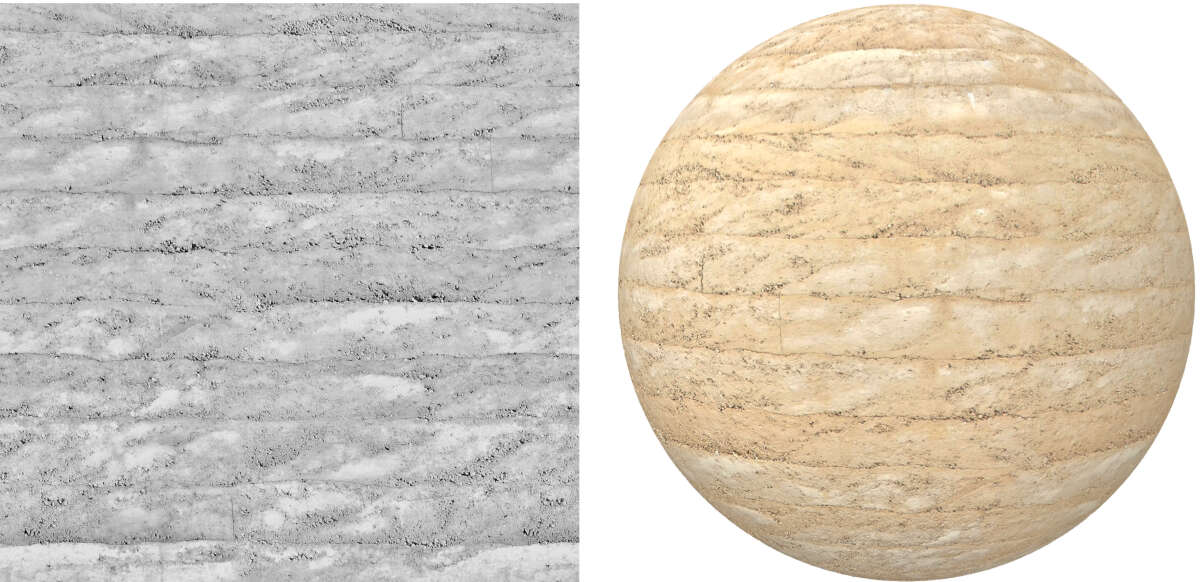
- Repeating patterns – When the same texture tiles over and over on large surfaces, it looks fake. Our eyes immediately spot the repetition.
- Wrong material properties – Not all surfaces reflect light the same way. Metals should shine, fabrics shouldn’t, and many artists get this backwards.
- Unnatural colors – Colors that are too bright or too flat make materials look like plastic instead of real-world surfaces.
Solution: Always use high-quality, smooth textures that don’t show obvious repeating patterns.
Pay attention to PBR settings – they control how materials react to light.
And most importantly, keep real-world references handy. Compare your textures to actual photos of materials to make sure they look authentic.
3. Lack of Detail in the Environment
A building never exists in isolation – its surroundings tell the complete story.
Many otherwise excellent architectural renders fail because they neglect the crucial environmental context that brings spaces to life.
Without proper entourage and landscaping, even the most beautifully modeled structures appear artificial and disconnected from reality.
Common Environment Mistakes:
- Empty scenes that feel like ghost towns – no people, no life.
- Scale problems where objects are too big or too small.
- Too much clutter that distracts from the actual architecture.
- Generic props, placed without thought to how spaces are used.
- Wrong seasonal details like summer trees in a winter scene.
Solution: Add trees, people, and vehicles to make the scene feel real.
Keep the focus on the building by slightly blurring the background-just enough to look natural without distracting from the design.
4. Incorrect Camera Angles and Composition
Your camera work does more than just show a building – it sells the experience.
Get it wrong, and even the best architecture looks awkward: proportions get distorted, key details disappear, and spaces lose their impact.
This is your client’s first impression. Every lens choice, every camera position – it all shapes how they feel about the design before they even notice your perfect lighting or materials.
Common Composition Mistakes:
- Using ultra-wide lenses that stretch and bend the architecture unnaturally.
- Cutting off important parts of the building with bad framing.
- Compositions that feel empty or too crowded.
- Shooting from awkward heights that don’t match how people see spaces.
- Overdoing dramatic angles that sacrifice clarity for style.
Solution: Choose natural focal lengths (24-50mm) – these match how our eyes see the world.
Follow the basic rule of thirds for balanced compositions, and always test several angles to find what works best.
For professional results, 3D rendering services by Fortes Vision deliver accurate architectural visualizations.
Their team uses technical skills and composition techniques to highlight a building’s key features through carefully planned camera angles that keep the presentation realistic.

5. Overuse of Post-Production Effects
Post-processing can elevate your renders when you use it properly, but it’s common to get carried away.
Many artists overload their images with effects, resulting in visuals that feel artificial rather than refined.
The secret lies in restraint-thoughtful, minimal adjustments that complement rather than dominate.
Common Post-Production Mistakes:
- Excessive sharpening: Produces harsh, unnatural edges that scream “CGI“.
- Oversaturated tones: Creates colors that would never exist in real materials.
- Heavy-handed glare: Introduces distracting light artifacts that pull focus.
- Extreme depth blur: Makes key architectural details disappear.
- Strong vignetting: Feels forced and draws attention to the processing.
Solution: Maintain post-production to a minimum-only make the necessary changes to maintain lighting and colors accurate.
To prevent excessive retouching, use genuine photographs as references. Good post-processing should enhance, not detract from, the design.
6. Ignoring Scale and Proportions
Nothing ruins a good architectural visualization faster than bad scaling. When furniture, doors, or people aren’t the right size, the whole scene immediately feels fake. These mistakes make it hard for clients to trust what they’re seeing.
Common Scaling Mistakes:
- Human figures not matching door/window heights.
- Furniture that doesn’t fit the space.
- Trees or cars that are disproportionately large.
Solution: Always check dimensions using real-world references and scale models, keeping human proportions as your constant guide for accuracy.
Check all elements against standard measurements before finalizing to ensure a cohesive, realistic representation.
7. Unrealistic Weather and Atmosphere Effects
Weather conditions can dramatically impact the believability of your architectural visualization.
While atmospheric elements help set the scene, improper use can turn a professional render into an unrealistic spectacle. The goal is to enhance, not distract from, your architectural design.
Common Atmosphere Mistakes:
- Location inaccuracies (palm trees bending in snowstorms or desert buildings in downpours).
- Overly dense fog that swallows the building’s form and details.
- Mismatched lighting (sunny skies with shadows pointing in the wrong directions).
- Frozen precipitation effects that look more like stickers than actual rain/snow.
- Over-the-top skies with unrealistic cloud formations or color gradients.
Solution: Research the project’s actual geographic location and typical weather patterns to ensure climate-appropriate conditions.
When using atmospheric effects like fog or rain, apply them subtly to enhance the mood without overpowering the architecture.
8. Rushing the Rendering Process
Good architectural visualizations take time and planning.
When you try to cut corners, it shows – you end up with obvious mistakes, poor lighting, and missing details that make your work look unprofessional.
Common Time Management Mistakes:
- Skipping test renders means you’ll miss problems until it’s too late.
- Using the wrong render settings wastes time or produces bad quality.
- Not getting client feedback early leads to big changes later.
- Forgetting to budget time for post-production means rushed finishes.
- Disorganized files cause unnecessary delays.
Solution: Build a clear step-by-step process. Set time for test renders, client reviews, and final edits.
Use render layers (like shadows, reflections, and lighting) to make changes in post-processing without starting from scratch.
Key steps for efficient 3D rendering:
- Pre-visualization – Block out lighting and composition with quick previews.
- Optimization – Balance quality and speed with proper render settings.
- Feedback integration – Schedule regular client checkpoints.
- Buffer time – Always allocate extra time for unexpected revisions.

Conclusion
Avoiding these common mistakes will improve your 3D architectural renders. Focus on lighting, textures, composition, and realism to create visuals that captivate clients and accurately represent designs.
Avoiding these common mistakes can take your 3D rendering work to the next level and help you create visuals that truly stand out in a crowded market.